Registering Through the Wisconsin DNR Website
Navigating government websites can feel like trying to find your way through a dense Wisconsin forest without a map, especially when you're just trying to get your ATV or UTV legally registered. It's frustrating when you just want to get out on the trails or use your machine on your property, but the paperwork feels like a huge barrier. This guide is designed to cut through that confusion and walk you, step-by-step, through the process of registering your off-highway vehicle directly through the Wisconsin DNR's online portal, helping you avoid common headaches and get your machine ready for adventure.
Why Choose the Wisconsin DNR Website for Registration?
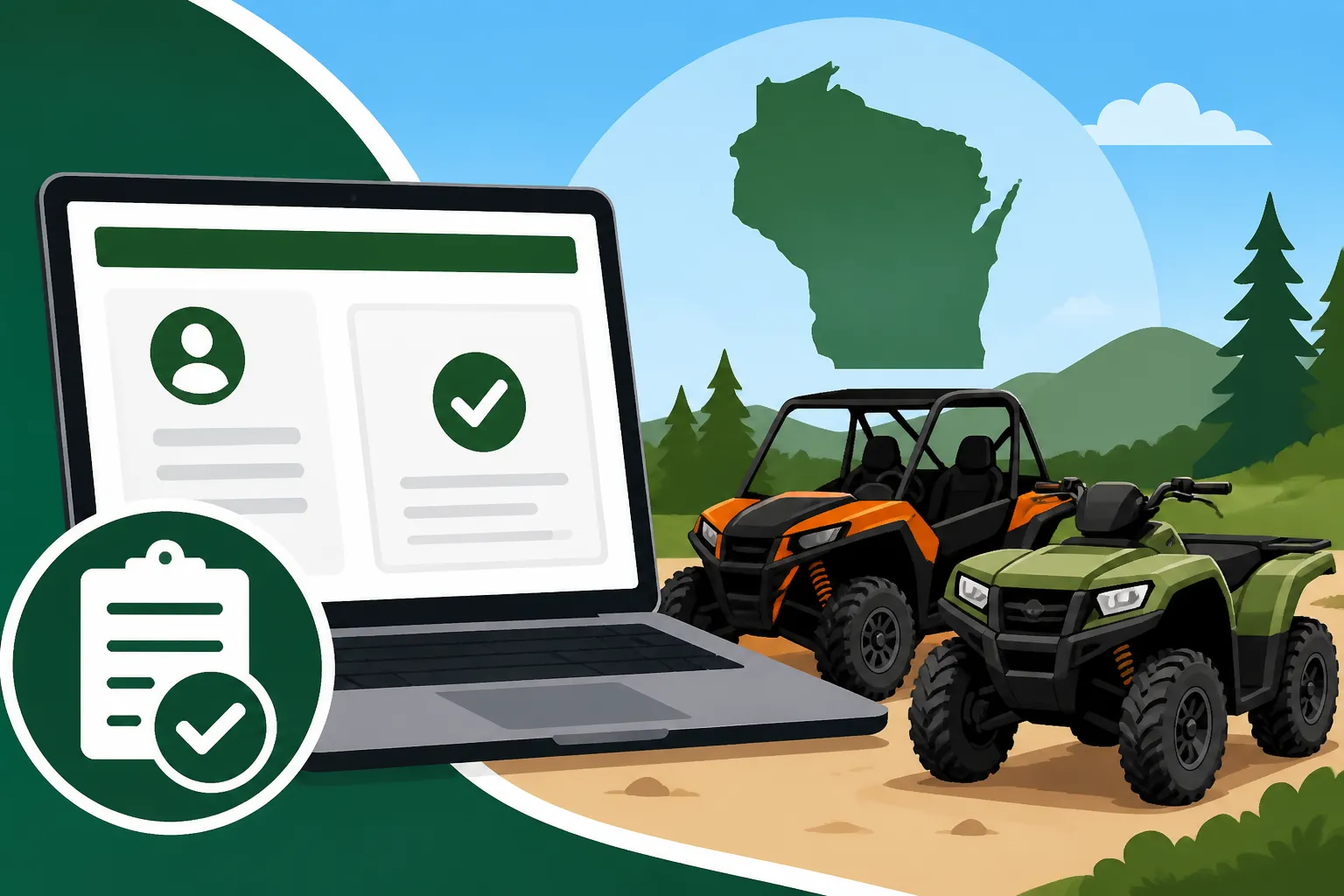
Let's be honest, in this day and age, who really wants to fill out paper forms, find a stamp, and mail things off, or drive to an agent's office only to find it closed or facing a long line? The Wisconsin DNR website offers a digital lifeline for ATV and UTV owners. It's designed to be a convenient and often faster way to handle your registration needs, whether you're a seasoned rider renewing your decals or a brand-new owner trying to get your machine legal for the first time.
Convenience and Accessibility
One of the biggest draws of online registration is the sheer convenience. You can do it from your kitchen table at midnight, from your deer camp with a laptop, or even on your phone during a lunch break. There's no rush to beat closing times, no dealing with traffic, and no need to dig for exact change. This flexibility is a huge benefit, especially for folks who live far from a registration agent or have unpredictable schedules. Plus, the DNR website is available 24/7, meaning you can tackle this task whenever it fits into your life, not just during standard business hours.
Direct Processing and Updates
When you register directly through the Wisconsin DNR website, your information goes straight into the system. This can sometimes lead to faster processing compared to mailing in forms, which have to be opened, sorted, and manually entered. While there are still processing times, submitting your information digitally often means fewer delays due related to postal service or human error in data entry. It also allows you to immediately check the status of your registration or print temporary documentation if needed, which can be a lifesaver if you're planning a trip soon and realize your decals are expired. For more on what exactly the DNR manages, check out [Wisconsin DNR ATV Registration Explained].
Avoiding Common In-Person Hurdles
Think about the last time you had to deal with a government agency in person. Did you have all the right forms? Was the agent able to answer all your questions? Going online can help you avoid some of these common frustrations. The DNR website often has clear instructions, FAQs, and prompts that guide you through what's needed. This can reduce the chances of forgetting a crucial document or misunderstanding a requirement, which might send you home empty-handed if you were at a physical location. While you might still have questions, the digital format allows you to re-read instructions and verify information at your own pace.
Step-by-Step Guide to Online ATV/UTV Registration
Alright, let's get down to business. Registering your ATV or UTV online with the Wisconsin DNR doesn't have to be a daunting task. We'll break it down into manageable steps, so you know exactly what to expect when you fire up your computer.
Creating or Accessing Your GoWild Account
The first stop on your online registration journey is the Wisconsin DNR's GoWild system. If you've ever purchased a hunting or fishing license in Wisconsin, you likely already have an account. If not, don't worry, creating one is pretty straightforward. You'll need to provide some basic personal information like your name, address, and date of birth. This account acts as your personal portal for all DNR-related activities, including managing your ATV and UTV registrations. It’s important to keep your login information secure, as you'll use this for renewals, ordering replacement decals, and other transactions down the road. This also ties into how easy it is for [Renewing a Wisconsin Registration Online].
Navigating to the ATV/UTV Registration Section
Once you’re logged into your GoWild account, you’ll need to find the specific section for ATV and UTV registration. The DNR website is generally well-organized, but sometimes menus can be a bit tricky to navigate if you're not used to them. Look for links or tabs usually labeled something like "Recreational Vehicles," "OHV Registration," or "ATV/UTV." You might find it under a broader "Licenses & Permits" or "Services" section. Take your time to explore the navigation until you locate the correct portal to initiate a new registration or manage an existing one.
Entering Machine and Owner Details
This is where you'll input all the nitty-gritty details about your machine and yourself. You'll be asked for information such as:
- Your Personal Information: Name, address, contact details.
- Vehicle Identification Number (VIN): This is absolutely crucial. Double-check it! A single wrong digit can cause major headaches and delays. The VIN is like your machine's social security number.
- Make and Model: Honda, Polaris, Can-Am, Arctic Cat, Yamaha, Kawasaki—whatever you ride, you'll need to specify it.
- Model Year: The year your machine was manufactured.
- Fuel Type: Usually gasoline, but it's important to select correctly.
- Public Use or Private Use: This is a critical distinction in Wisconsin. Are you planning to ride on public trails and routes, or will the machine exclusively stay on your own land? The type of registration you need dictates the fee and expiration. Public use registrations typically expire annually on [Wisconsin Public Use Registrations Expire March 31].
- Purchase Information: Date of purchase and the seller's details.
Accuracy is key here. Take your time filling out each field. It's much easier to input it correctly the first time than to go through the process of correcting a VIN on a Wisconsin record later.
Uploading Required Documentation
One of the modern conveniences of online registration is the ability to upload documents directly. While Wisconsin does not title ATVs, you still need to prove ownership. This typically includes:
- Bill of Sale: A detailed bill of sale from the previous owner (or dealer) is usually required. It should include the date of sale, purchase price, seller's and buyer's names and addresses, and the machine's VIN. If you're buying privately, you can find templates for a bill of sale on platforms like LawDepot, ensuring all necessary fields are covered. For more details on what should be included, refer to [What a Wisconsin ATV Bill of Sale Should Carry].
- Proof of Sales Tax Paid: If you bought your machine from a dealer, they usually handle the sales tax and provide you with documentation. If you bought it privately, you’ll typically be responsible for paying Wisconsin sales tax directly to the DNR when you register. The online system will guide you through this process and calculate the amount owed. Sometimes, you might need to show [Proof of Sales Tax Wisconsin Requires].
- Proof of Ownership (if no bill of sale): In some cases, like inheriting a machine or finding a lost bill of sale, you might need alternative proof. This could be a manufacturer's certificate of origin (MCO/MSO) for a brand-new machine, or an affidavit of ownership if records are scarce. Resources like LawDepot can also provide templates for affidavits that can help establish ownership in the absence of a traditional bill of sale. Check out [Proof of Ownership Without a Title] for more specific scenarios.
Make sure your scanned or photographed documents are clear and legible. Blurry images can lead to processing delays. The system will usually specify accepted file types (like PDF or JPEG) and size limits.
Reviewing, Paying, and Confirming
Before you hit that final "submit" button, the system will give you a chance to review all the information you've entered. Treat this as your last line of defense against errors. Check the VIN one more time, verify your address, and confirm the type of registration you've selected.
Once you’re satisfied, you’ll proceed to the payment section. The DNR website accepts various forms of electronic payment, usually credit or debit cards. The registration fees will be clearly displayed, along with any applicable sales tax. Be aware that there might be a small processing fee for online transactions.
After successful payment, you'll receive a confirmation email. This email often contains a temporary registration certificate that you can print and carry with you until your official decals and card arrive in the mail. Keep this temporary document handy!
What You Need Before You Start the Online Process
Preparing in advance can make the online registration process go much smoother. Imagine having all your gear laid out before a ride; it’s the same principle here.
Essential Information and Documents
Before you even open the DNR website, gather all the paperwork and information you’ll need. This means having your machine’s VIN readily accessible (often stamped on the frame or a sticker). If you're trying to figure out [Where the VIN Sits on a Utility Quad], a quick search can help. You'll also need the exact make, model, and year. For a brand-new machine, your dealer will typically provide the Manufacturer's Certificate of Origin (MCO/MSO). For a used machine, you absolutely need a clear, complete bill of sale from the seller. If you’re preparing a bill of sale for a private sale, consider using a template from a reputable source like LawDepot to ensure it includes all critical information and protects both parties.
For proving residency or other identity checks, your driver's license or state ID will come in handy. And, of course, your preferred payment method—credit or debit card—needs to be ready. Think of it like packing your cooler before heading out for a day on the trails; you don’t want to realize you forgot the snacks halfway there.
Digital Preparedness
This might seem obvious, but make sure you have a reliable internet connection and a device that allows you to easily upload documents. A desktop computer or laptop is often easier for filling out forms and reviewing details than a phone, though many sites are mobile-friendly. Ensure your scanner or camera on your phone can take clear, readable images of your documents. You don't want to get stuck trying to upload a blurry image of your bill of sale, only to have it rejected. Having your documents pre-scanned and saved in a designated folder on your computer can save a lot of time and frustration during the upload step.
Understanding Wisconsin's Registration Types
Before you register, it's crucial to understand the two main types of ATV/UTV registration in Wisconsin: Public Use and Private Use.
- Public Use Registration: This is for machines that will be ridden on public trails, frozen waterways, designated road routes, or other public lands. Most recreational riders will need this. It has an expiration date, usually March 31st annually, and a higher fee. If you’re wondering [What Public Registration Lets You Ride], this is the one that gets you everywhere.
- Private Use Registration: This is for machines that will only be operated on private property owned by the registrant, or on private property with permission from the landowner (if you're the designated operator). This registration typically never expires, and the fee is lower. If your machine is strictly for yard work or riding around your own woods, this might be your option. For more on the differences, look into [Public Use Versus Private Use in Wisconsin]. Make sure you pick the correct one! Selecting the wrong type means you might be riding illegally on public trails, which can lead to [Penalties for an Unregistered ATV in Wisconsin].
| Document/Information | Purpose | Availability |
|---|---|---|
| GoWild Account | Required for all online DNR transactions. | Create one if you don't have one through the DNR website. |
| Vehicle Identification Number (VIN) | Unique identifier for your machine. | Stamped on frame, sticker on machine. |
| Make, Model, Year | Identifies your specific ATV/UTV. | On your machine, bill of sale, or MCO. |
| Bill of Sale / MCO | Proof of ownership and purchase price. | Provided by seller/dealer. For private sales, use a template (e.g., from LawDepot). |
| Proof of Sales Tax Payment | Required for all new registrations, unless previously paid. | Dealer receipt or direct payment during online registration. |
| Payment Method | For registration fees and sales tax. | Credit/debit card. |
| Email Address | For confirmation, temporary registration, and future notices. | Your active email account. |
| Type of Use (Public/Private) | Determines the type of registration and fee. | Your decision based on where you'll ride. |
Common Pitfalls and How to Avoid Them
Even with the best intentions, things can go sideways. Knowing what common mistakes people make can help you steer clear of them.
Incorrect VIN Entry
This is probably the most common and most frustrating mistake. A VIN is a long string of numbers and letters, and it's easy to transpose a digit or misread one that's scratched or dirty. An incorrect VIN means your registration won't match your machine, which could lead to issues with law enforcement or when trying to sell it later.
How to Avoid: Triple-check your VIN. Take a photo of it on your machine, then compare it to your bill of sale, and then compare both to what you type into the online form. It's a small step that prevents a huge headache down the line. If you're dealing with a used machine, running the VIN through a quick online check can sometimes flag issues, although Wisconsin doesn't have a title for ATVs, so a full history might not be available.
Missing or Incomplete Documentation
You've got a bill of sale, great! But does it have the VIN? The seller's address? The purchase price? Sometimes private party bills of sale are too informal and lack critical information the DNR needs. Or perhaps you can't find your original MCO.
How to Avoid: Before you start the online process, lay out all your documents and compare them to the DNR’s requirements. Ensure your bill of sale is comprehensive. If you don't have a formal one, or if you're writing one up for a private sale, use a template from a service like LawDepot. These templates are designed to include all the legally necessary fields, saving you from a rejected application. If a document is genuinely missing, like a prior registration card, you might have options such as an affidavit, but it’s best to have everything in order. Don't fall into the trap of [Missing the Ten-Day Wisconsin Transfer Window] because you didn't have your paperwork ready.
Forgetting Sales Tax for Private Sales
Many people buy a used ATV or UTV from a private seller and forget that they are still responsible for paying Wisconsin state sales tax on the purchase price. Dealers handle this automatically, but for private transactions, it's on you. The online system will calculate this for you, but if you don't have the funds available, you'll be stuck. Keep in mind that [Wisconsin State Sales Tax on a Quad] applies whether you buy from a dealer or a neighbor.
How to Avoid: Be prepared to pay the sales tax when you register online. Factor it into your budget when purchasing a used machine. The sales tax is based on the purchase price, and you'll typically pay it directly through the DNR website during the registration process.
Not Differentiating Public Versus Private Use
Choosing the wrong registration type can be an expensive mistake. If you select private use but then ride your machine on public trails, you're operating an unregistered vehicle and could face fines. Conversely, if you pay for public use registration but only ever use it on your own property, you've paid more than you needed to.
How to Avoid: Take a moment to honestly assess how and where you'll be riding your machine. Will it ever leave your own private land? If the answer is yes, even just once a year, you need public use registration. If you're truly only using it for plowing your driveway or working on your own deer land, then private use is fine. The penalties for an unregistered ATV in Wisconsin can be a real buzzkill, so it's always better to be safe than sorry.
By understanding these common hurdles and taking a few proactive steps, your online ATV or UTV registration experience with the Wisconsin DNR can be smooth sailing. Get your documents in order, double-check your entries, and you’ll be ready to hit the trails or tackle that chore list in no time.
Disclaimer
This article is for general informational purposes only and does not constitute professional advice. Laws, prices and regulations vary by location and change over time. Consult a qualified professional for guidance on your specific situation.