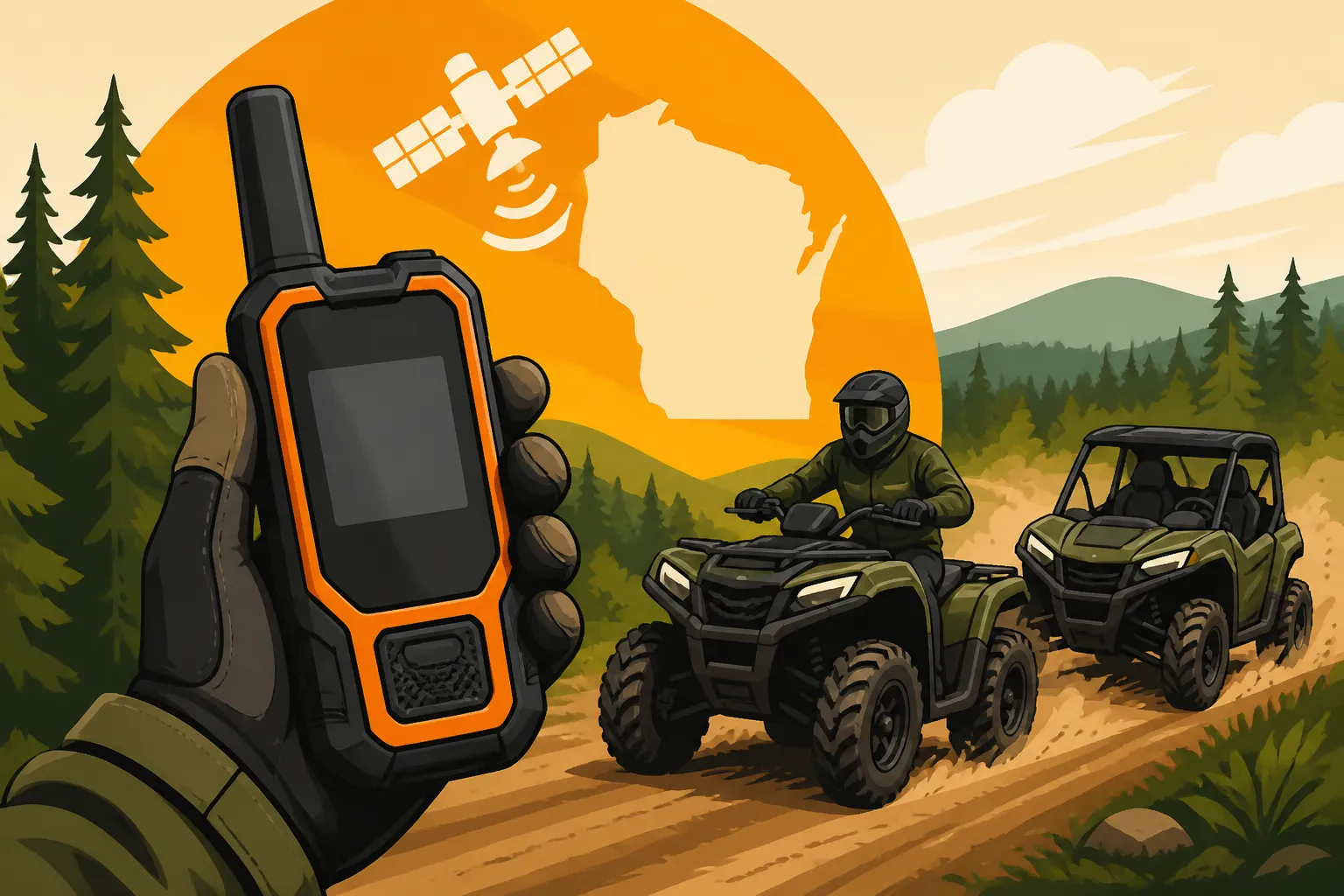
Carrying a Satellite Messenger Up North
Northern Wisconsin can feel wonderfully remote until a machine breaks down, someone gets hurt, or a group loses the trail in fading light. Cell service may be unreliable far from town, so a satellite messenger can provide a way to call for help or send updates when a phone cannot. This guide explains what to carry, how to prepare it, and how to use it responsibly on Wisconsin ATV and UTV rides.
Why a Satellite Messenger Belongs in Your Wisconsin Riding Kit
Cell service can disappear between trailheads and towns
A phone is still useful for navigation, weather checks, photos, and calls where service is available. But don’t assume it will connect everywhere you ride. Forest roads and trails around the Chequamegon-Nicolet National Forest, Vilas County, Bayfield County, and the Black River State Forest can take you away from reliable coverage. Even a route that begins near a town may pass through stretches where a call or message won’t go through.
That gap matters most when something goes wrong. A rider might be injured, a machine might be disabled, or the group may have to stop because a trail is blocked. If no one can contact help, a minor problem can become more stressful as daylight fades or temperatures drop. Reading [Cell Dead Zones in Northern Wisconsin] before your trip can help you think realistically about where a phone may not be enough.
A satellite messenger uses a satellite network rather than depending on a nearby cell tower. Depending on the device and service, it may let you send preset check-in messages, exchange two-way messages, share your location, or request emergency assistance. Capabilities differ, so check what a particular device can do and make sure its service is active before you leave.
It is a backup, not a substitute for good planning
A messenger cannot make every situation safe. It may need a clear view of the sky to connect, and thick tree cover, terrain, weather, device placement, or a depleted battery can affect how easily it communicates. A message may take time to send, and an emergency request does not mean a rescue vehicle can reach you instantly.
Think of it as one part of a layered safety plan. Bring a charged phone, carry a paper map or downloaded map, tell someone where you are going, and agree on a check-in time. A satellite messenger adds another way to communicate if the phone fails, but it works best when people already know the planned route and what to do if the group is overdue.
It is also worth explaining the device to everyone riding with you. A passenger or riding partner should know where it is, how to send a routine check-in, and how to request help if the device owner is unable to do so. That simple conversation can prevent a panicked search through bags when time matters.
Choosing and Setting Up a Messenger for the Ride
Match the device to the way you ride
Start by deciding what you want the device to do. Some messengers are designed mainly for emergency signaling and basic check-ins. Others support two-way messaging or location sharing, which can be useful when a group splits briefly or when a family member wants reassurance that riders are progressing as planned. Read the device’s feature details carefully rather than assuming all satellite communicators work the same way.
Consider how you ride, too. A short, familiar outing with several people may call for a different level of communication than a solo trip on unfamiliar forest trails. A rider heading into a remote area, riding alone, or traveling with a group that includes children may value two-way communication and regular tracking more than someone riding a short loop close to a staging area.
Check the device’s battery expectations, charging method, operating instructions, and service requirements. Some features may require an active plan or account, and service terms can change, so confirm the provider’s current details before relying on a device. For a broader preparation list, [What to Carry on a Northwoods Ride] can help you think beyond communication gear.
| Riding need | Useful capability to look for | Practical reminder |
|---|---|---|
| Emergency backup | A clear, accessible emergency request function | Learn the steps before riding |
| Routine updates | Preset or two-way messaging | Set up useful contacts and messages ahead of time |
| Group coordination | Location sharing or tracking | Agree on when and with whom location is shared |
| Long ride day | Battery capacity suited to your planned outing | Charge fully and carry a compatible power option |
| Remote route planning | Reliable offline navigation resources | Keep a separate map available if electronics fail |
Set it up at home, not beside the trail
Create or review the account, emergency contacts, and any required service settings before your trip. Add contacts who will recognize your messages and know what to do if you ask for help. If the device allows preset messages, write them so they are clear and useful, such as a routine “we’re stopped and okay” update or a notice that the group is running behind.
Practice sending a non-emergency message from home or another appropriate location. Learn which buttons open the messaging screen, how to confirm a message was sent, how to cancel an accidental emergency request, and how to read the device’s status indicators. Don’t wait until you are cold, tired, and trying to operate it with gloves on to discover that the controls are unfamiliar.
Check the battery before loading the machine, and bring the charging cable or power bank that works with the device. If the messenger has a lock function or protective case, confirm it won’t prevent you from using the emergency control quickly. Review [Planning a Wisconsin Riding Trip] as part of the same preparation routine, especially if you’re covering unfamiliar trails or riding a longer route.
Carrying and Using a Messenger on the Trail
Keep it accessible and positioned for a clear signal
A messenger that is buried under a rain suit or strapped inside a closed storage box may be hard to use when you need it. Keep it within reach of the person responsible for the group’s communications, and make sure other riders know where it is. If a passenger may need to use it, don’t store it in a place only the driver can access.
Satellite communication generally works best when the device can see a broad patch of sky. Follow its manufacturer’s instructions for carrying or mounting it. Avoid assuming that a device inside a vehicle compartment, under heavy gear, or beneath a roof will communicate as well as one carried in an appropriate exposed position. On a UTV, consider how the cab, roof, and storage areas might obstruct its view of the sky.
Secure it so bumps and vibration won’t knock it loose. It should not interfere with safe operation, visibility, seat belts, or the rider’s ability to move. Take care not to place it where mud, water, or repeated impacts could damage it. A secure, reachable location is more useful than an ideal-looking mount that leaves the device inaccessible in a stressful moment.
Use check-ins and emergency messages carefully
Agree on a simple communications routine before departure. For example, the group may send a check-in at a planned lunch stop or after reaching a particular trail junction. Tell the person at home what an expected message means and when to act if it does not arrive. Avoid setting expectations that require constant messages; that can distract from riding and may drain the device’s battery.
If the group changes its route, update the person who has the itinerary when practical. A route change can happen because of a closure, weather, mechanical trouble, or a missed turn. If your planned route includes areas with limited service, use a satellite messenger to communicate an important change rather than assuming a phone message will arrive later. Before heading out, check [Checking Wisconsin Trail Status Before You Drive] so you are less likely to improvise around a closure without telling anyone.
Reserve the emergency function for situations that genuinely require emergency assistance. If you activate it, follow the device’s prompts and provide clear information about your location, the number of people involved, and the nature of the problem when possible. Keep the device powered and accessible while waiting, and follow the instructions provided through the service. Don’t use an emergency request as a routine “come pick us up” message.
Building a Reliable Backup Plan for Northwoods Rides
Combine satellite messaging with maps and route knowledge
A messenger is for communication; it is not a complete navigation plan. Before leaving, identify your intended route, trailhead, likely turnaround point, and any planned stops. Keep a map available even if you use a phone or GPS, and download maps for offline use before entering an area with weak service. Digital mapping tools such as onX Offroad can help with route preparation, but don’t let a map app become your only source of location information.
Make sure you understand how your map displays your position and how to describe that position to someone helping you. A trail name, nearby junction, forest road, or marked landmark can be more useful than simply saying you are “somewhere in the woods.” If the group becomes uncertain about its location, stop somewhere safe, check the map, and avoid riding farther in the hope that the route will become obvious.
It helps to carry a paper map or a written route note as a backup. Electronics can run out of power, become damaged, or be difficult to operate in poor weather. A route note can include the starting point, intended loop, expected return time, and a contact person. For help with navigation setbacks, see [Getting Turned Around in a County Forest].
Make the plan useful for the whole group
A riding plan should reflect the slowest rider and the least familiar machine, not just the person who knows the area best. Decide where the group will regroup if riders become separated, and agree that nobody will leave an injured or stranded rider alone unless circumstances make it unsafe to stay. A satellite messenger can support that plan, but a simple rule about waiting at marked junctions can prevent a lot of confusion.
Solo riders should be especially deliberate. Tell a trusted person the route, the machine you are riding, and when you expect to return. Set a reasonable overdue time and explain what the contact should do if you miss it. If your route changes, send an update. [Riding Alone on a Wisconsin County Trail] offers additional planning considerations for riders who won’t have another person beside them.
Finally, remember that a messenger does not replace first aid, warm clothing, water, food, or basic machine-recovery supplies. A delayed ride can become uncomfortable quickly, and an injury may require care before outside help can arrive. Pack for the possibility of waiting, not just for the number of hours you expect to be on the trail. [First Aid Far From a County Trailhead] is a useful companion when you are deciding what medical supplies and skills to bring.
Check the device again after every outing
When you return, recharge the messenger and check that it remains in working order. Review any messages or tracking settings you used, and update contacts if your riding plans or emergency arrangements have changed. If the unit was exposed to water, mud, or a hard impact, inspect it and follow the manufacturer’s care instructions before relying on it again.
Before your next ride, confirm that the device is still paired or configured as expected, that any required service is active, and that contacts still understand your check-in routine. These small checks are easy to skip when the machine is unloaded and everyone is ready to head home. They are also what make the device a dependable part of your kit rather than an unfamiliar gadget carried “just in case.”
A satellite messenger is most valuable when it fits into a broader, realistic plan: know where you intend to ride, carry more than one way to navigate, keep the device reachable, and make sure someone knows when to expect you back. That approach can make a long ride through Wisconsin’s Northwoods feel better prepared without pretending that technology removes every risk.
Disclaimer
This article is for general informational purposes only and does not constitute professional advice. Laws, prices and regulations vary by location and change over time. Consult a qualified professional for guidance on your specific situation.